
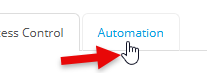
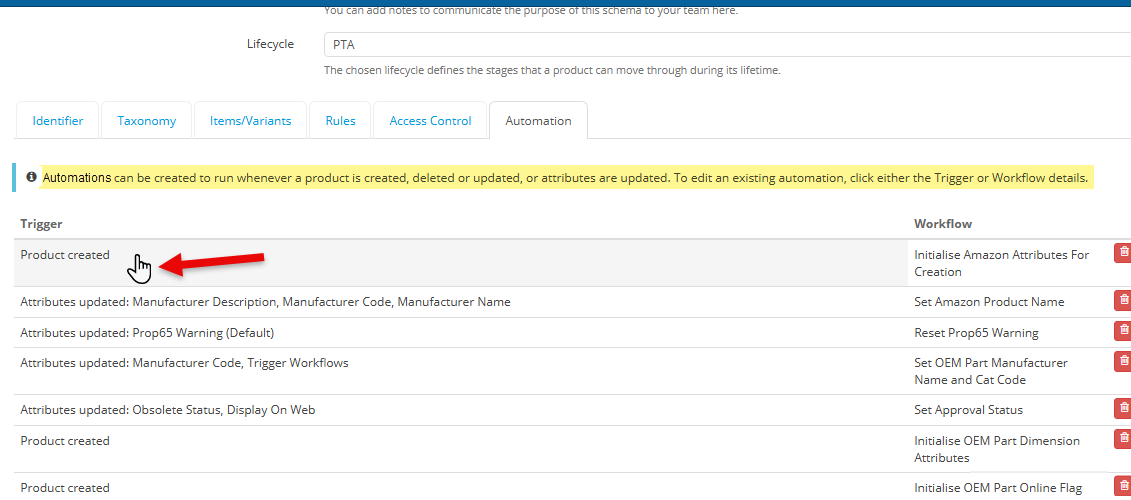
Aside from the suggestion to make the Trigger list sortable or grouped by action type, can you look to update the description of this function. The cursor should also be set to 'pointer' in the stylesheet since these are actionable items you click to open. Like other parts of the interface. At first I didn't realize that the Workflow column was also actionable. I wanted to edit a trigger and clicked that area thinking it would also allow me to edit the associated workflow.
The description will add clarity to the functions. Currently, it states workflows trigger on product updates when it really can be initiated on create, update and delete. Minor updates, but will be more clear for new or infrequent users.
Example: "Automations can be created to run whenever a product is created, deleted or updated, or when attributes are updated. To edit an existing automation, click either the Trigger or Workflow details."
Comments
Please sign in to leave a comment.
Thanks for highlighting Jim! I've sent across to the support team who will look at this further!